Home › App Lock
App Lock
Lock any app on your Android phone.
Put a PIN, password or fingerprint on any app: chats, social media, your gallery, email or banking. When someone opens a locked app, Glenzo asks for your PIN first. It's free and built into Glenzo File Manager, so you don't need a separate app locker.
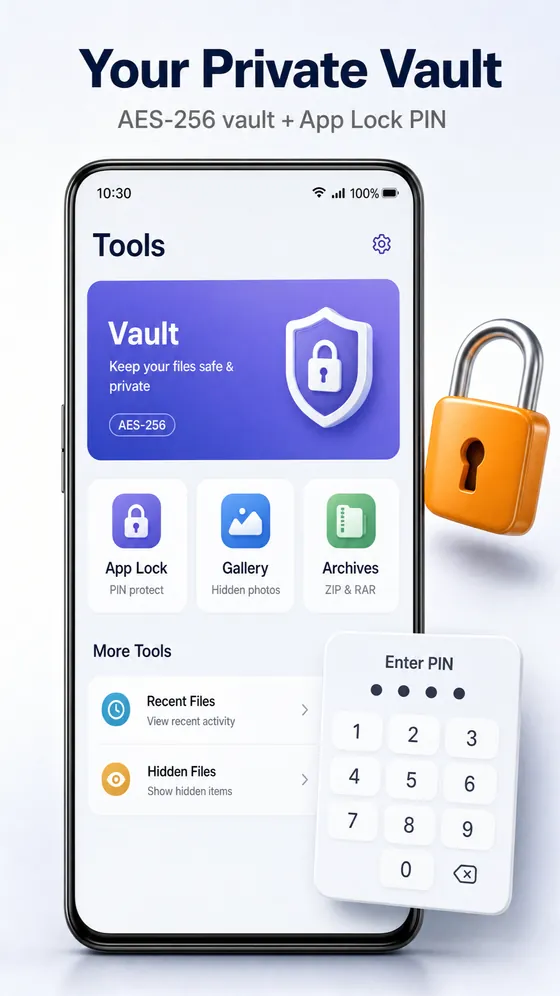
What App Lock does
- Locks any app installed on your phone
- Unlock with a PIN, a password or your fingerprint
- The lock screen appears as soon as a locked app opens
- Choose exactly which apps to lock, and change it any time
- Free, and part of the same app as your files and vault
How to lock apps on Android
- Open Glenzo File Manager and go to Tools, then App Lock.
- Set a PIN or password, and turn on fingerprint unlock if you like.
- Allow the permissions Android asks for: usage access and display over other apps.
- Choose the apps to lock. They now ask for your PIN or fingerprint.
Why App Lock asks for usage access
Android doesn't tell other apps which app you just opened. App Lock needs the usage access permission to notice when a locked app comes to the front, and display over other apps to show the PIN screen on top of it. Glenzo uses these permissions for App Lock, and you can turn them off in Android settings at any time.
Which apps should you lock?
- Chats such as WhatsApp, Telegram or Messages, so nobody reads your conversations.
- Photos and gallery apps, when you hand your phone to someone to show one picture.
- Banking, payment and email apps, as an extra layer on top of their own sign-in.
- Settings or the Play Store, to stop children changing things or buying apps.
App Lock or Vault?
App Lock protects apps. The Glenzo Vault protects files by encrypting them with AES-256. Use App Lock for your gallery app and the vault for the photos that must stay private.
Frequently asked questions
Can I lock WhatsApp with Glenzo App Lock?
Yes. App Lock can put a PIN, password or fingerprint on WhatsApp and on any other app installed on your phone.
Is App Lock free?
Yes. App Lock is included free in Glenzo File Manager on Google Play.
Does App Lock support fingerprint unlock?
Yes. You can unlock locked apps with a PIN, a password or your fingerprint.
Why does App Lock need usage access?
Usage access lets App Lock notice when a locked app opens so it can show the PIN screen. Display over other apps lets it show that screen on top.
Can I lock my gallery app?
Yes. You can lock any app, including your gallery. To encrypt the photos themselves, use the Glenzo Vault.

Get Glenzo File Manager today.
Free on Google Play. Under 10 MB. Everything you need to find, open, lock, clean and share your files.
Download on Google Play