Home › Secure vault
AES-256 vault
A private, encrypted vault for your photos and files.
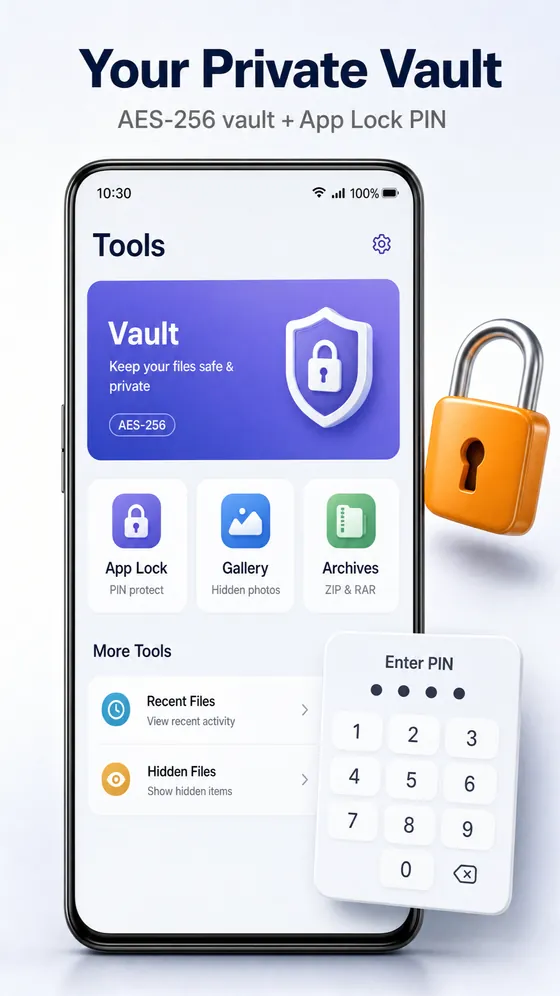
Move private photos, videos, documents or whole folders into the Glenzo Vault and they're encrypted on your phone with AES-256. Only your PIN, password or fingerprint opens them. Not other people, not other apps, and not Glenzo.
Real encryption, not just a hidden folder
- AES-256-GCM encryption for every file in the vault
- Encryption key protected by the Android Keystore
- Unlock with a PIN, a password or your fingerprint
- Vault files stay out of your gallery and other apps
- Everything stays on your phone: nothing is uploaded
- AES-256 is considered secure even against future quantum computers
How to hide photos and files on Android
- Open Glenzo File Manager and go to Tools, then Vault.
- Set a PIN or password, and turn on fingerprint unlock if you like.
- Add the photos, videos, documents or folders you want to protect.
- Open the vault with your PIN or fingerprint whenever you need them.
How the Glenzo Vault protects your files
Many “hide photos” apps just move files into a folder that other apps skip. Anyone who connects the phone to a computer can still read them. The Glenzo Vault encrypts the files instead, so without your secret they are unreadable data.
- Every file gets its own random 256-bit key and is encrypted with AES-256-GCM, which also detects any tampering.
- Those file keys are locked by a master key. The master key is protected twice: by a key derived from your PIN or password (PBKDF2), and by a key held in the Android Keystore that cannot be copied off the device.
- Glenzo never receives your PIN, your keys or your files, so Glenzo cannot open your vault.
Is it safe against quantum computers?
Yes, as far as today's research knows. Quantum computers threaten public-key cryptography such as RSA, which the vault does not use. Against AES-256, the best known quantum attack (Grover's algorithm) still needs about 2128 operations, far beyond any computer, classical or quantum.
Vault or App Lock?
Use the vault for files you want encrypted. Use App Lock to put a PIN or fingerprint on apps such as chats or your gallery. Many people use both.
Frequently asked questions
Is the Glenzo Vault encrypted or just hidden?
Encrypted. Every file in the vault is encrypted on your phone with AES-256-GCM, so it cannot be read without your PIN, password or fingerprint.
Can Glenzo see the files in my vault?
No. Your files, keys and PIN stay on your phone. Glenzo never receives them, so it cannot open your vault.
Can I open the vault with my fingerprint?
Yes. You can unlock the vault with a PIN, a password or your fingerprint.
Does the vault upload my files to the cloud?
No. The vault works entirely on your phone and never uploads your files.
What is the difference between the vault and App Lock?
The vault encrypts files. App Lock puts a PIN, password or fingerprint on other apps. They are separate features and you can use both.

Get Glenzo File Manager today.
Free on Google Play. Under 10 MB. Everything you need to find, open, lock, clean and share your files.
Download on Google Play